
The Login link is located at the right end of the dark blue STaRS line.
1. Click Login. The STaRS Authentication Service box will appear.
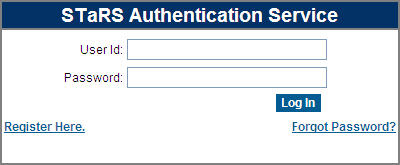
2. Type your user name in the User Id box.
3. Type your password in the Password box.
4. Click Log In.
If your identification (ID) information is accepted by STaRS, your STaRS home page will appear. If not, try first correcting the typos. If you are a legitimate user, your credentials are valid and correct, and STaRS does not open, contact the study administrators (see Contact Us and STaRS Contacts).

After login the Login link becomes Logout.